
Payroll Software India trusts to get it right
Run salaries for the whole company in minutes. PF, ESI, professional tax, TDS and payslips are calculated automatically from your attendance data.
Payroll is the one HR process where a mistake is immediately visible to every employee and to the authorities. Indian payroll is also unusually intricate: Provident Fund at the right wage ceiling, ESI for eligible employees, professional tax that differs by state, TDS under the regime each employee has chosen, plus gratuity, bonus, arrears, reimbursements and loss-of-pay adjustments — recalculated every single month.
CharmHR is payroll management software built for exactly that. Salary structures are defined once, attendance and leave feed in automatically, and the payroll run applies every statutory rule without a spreadsheet formula in sight. What used to take an accountant three days of checking takes one review and an approval, and the numbers reconcile with the attendance register because both come from the same system.
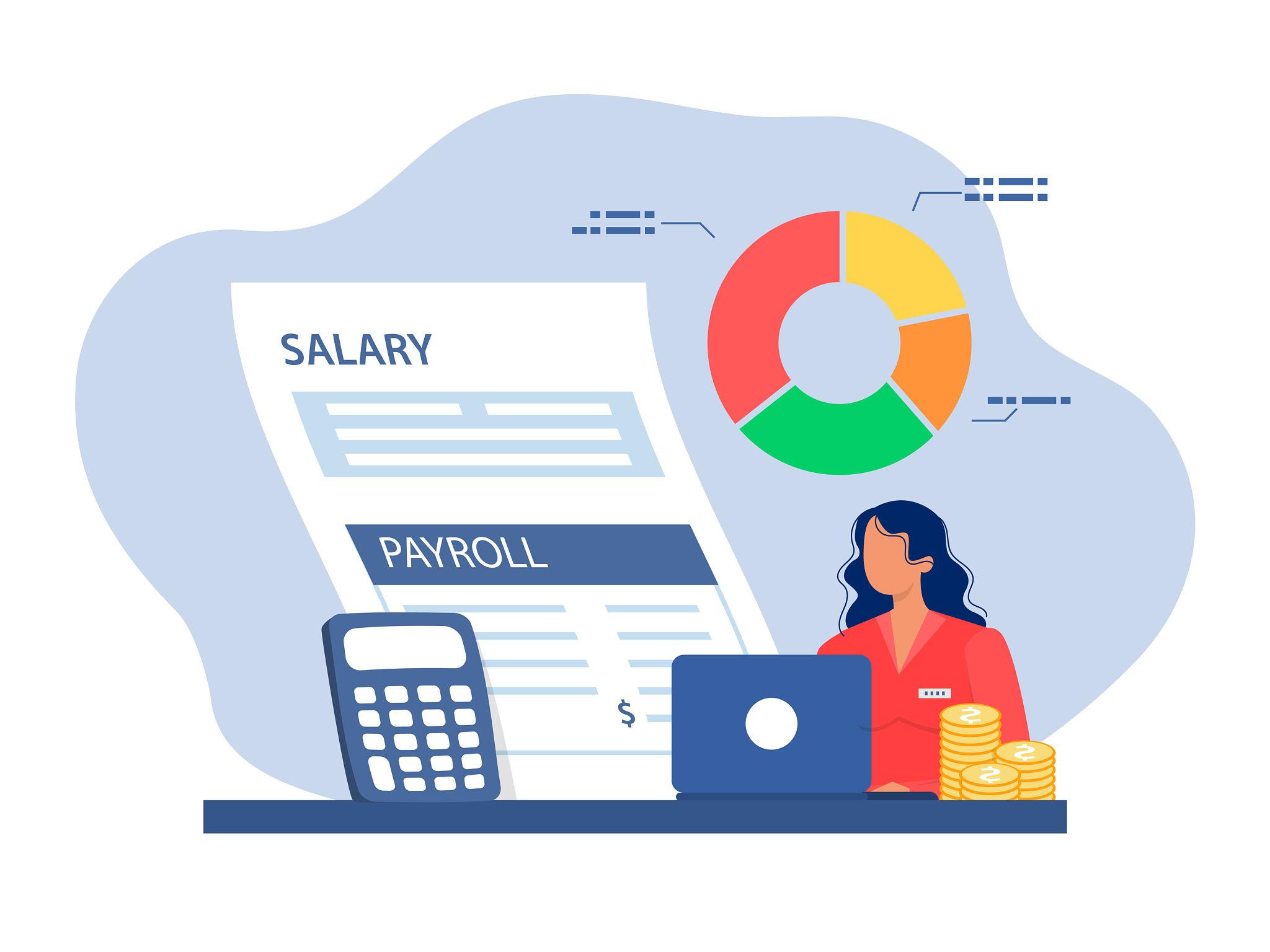
As online payroll software, there is nothing to install and no server to maintain — your finance team logs in from anywhere, and employees get their payslips on their own phones. Payroll automation software also means the audit trail is automatic: every change to a salary structure, every arrear, and every approval is recorded, so year-end filing and audits stop being an archaeology project.
Everything you need to run payroll right
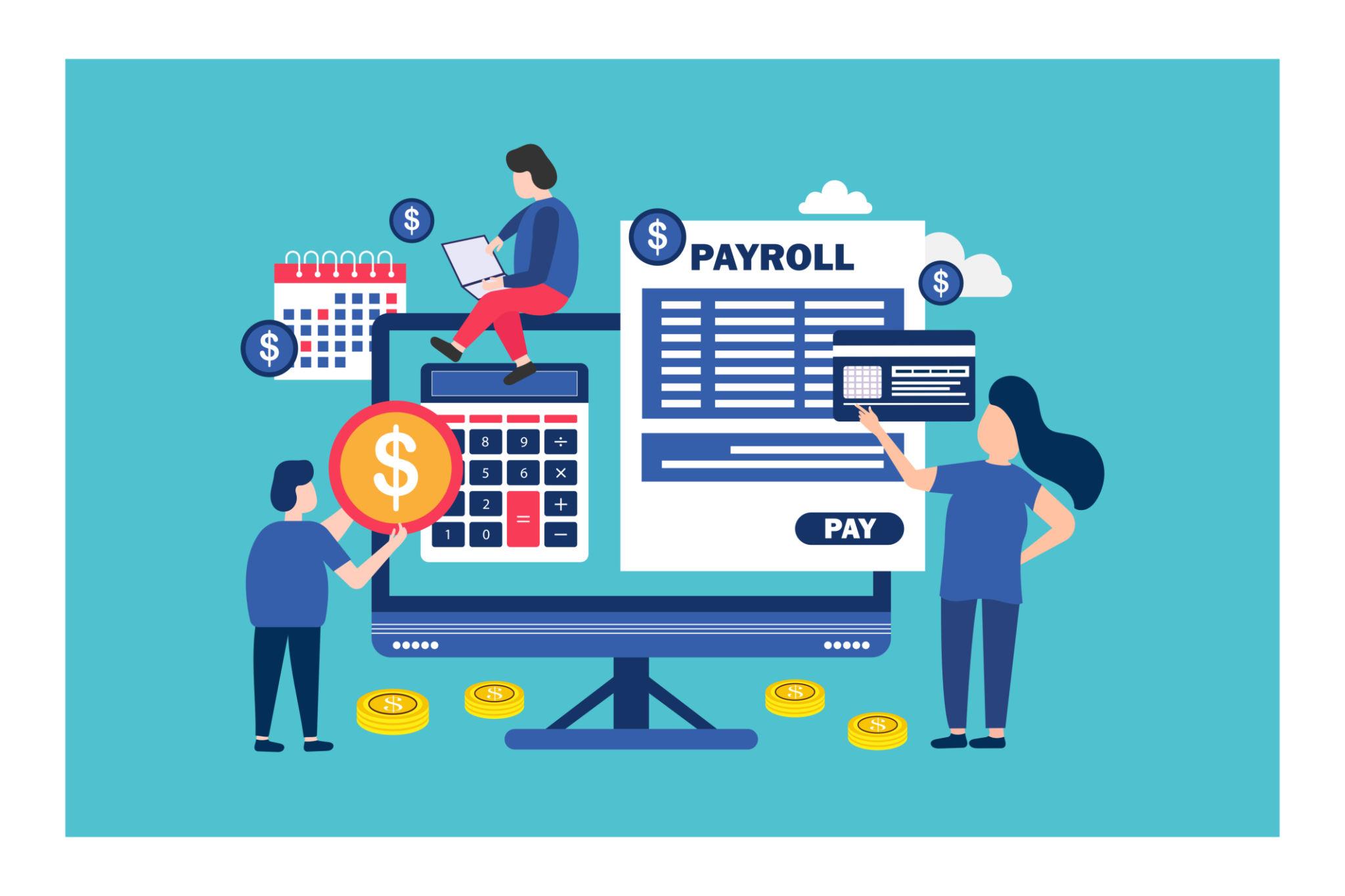
HR and Payroll Software in one system
Companies usually arrive at HR payroll software after running two disconnected tools: an attendance system that produces a monthly report, and a payroll package that someone types those numbers into. The gap between them is where errors live — a corrected late mark that never reaches the salary sheet, an approved leave that is still deducted, an overtime claim counted twice.
CharmHR is HR and payroll software sharing a single database. Attendance and approved leave feed the payroll run directly, so loss of pay, overtime and half-days are already reflected before the cycle starts. Nothing is exported, re-keyed or reconciled by hand, and the salary register always agrees with the attendance register because both are views of the same records.
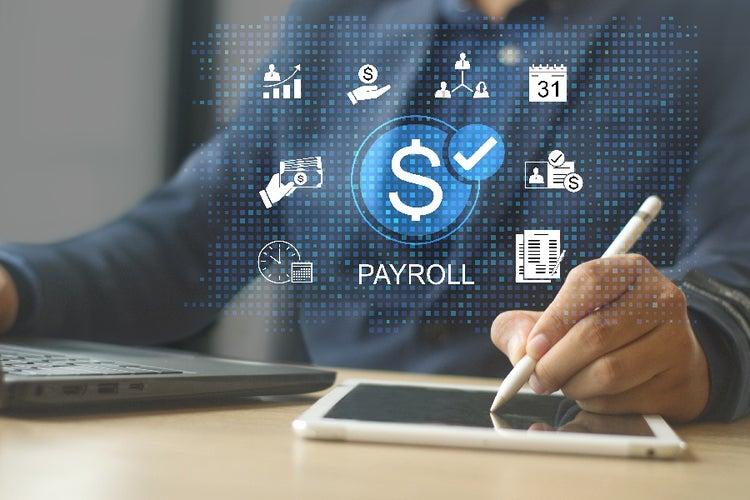
What HR payroll software should automate
The measure of good payroll software is how much it does without being asked. Salary structures are defined once per grade; from then on the monthly run should apply them, compute PF, ESI, professional tax and TDS, handle mid-month joiners and exits, add arrears from a backdated increment, and account for reimbursements — before a human looks at anything.
What is left for your finance team is a review: one summary sheet showing what changed since last month and why. After approval, payslips publish to employee self-service, the bank transfer file exports in a click, and the registers are archived for audit. That is the difference between payroll taking three days and taking an hour.
Every deduction, calculated for you
PF, ESI and gratuity
Provident Fund and ESI are applied at the correct wage ceilings for each employee, with gratuity and bonus accrued as you go.
TDS and professional tax
Income tax is projected across the year under the employee's chosen regime, and professional tax follows the slab for their state.
GST-ready invoicing
Contractor and consultant payments carry the right GST treatment, so payouts outside regular payroll stay clean in your books.
Payslips and registers
Payslips, salary registers, deduction statements and bank transfer files are generated together at the end of each run.
Arrears and adjustments
Mid-month joiners, increments, loss of pay, reimbursements and arrears are handled inside the run instead of by hand afterwards.
Approval trail
Payroll is reviewed and approved before release, and every edit is logged with who changed what and when.
What a payroll run looks like in CharmHR
Payroll processing software should reduce the month-end to a review rather than a rebuild. This is the full sequence for a typical company on CharmHR — most of it happens without anybody touching it.
Attendance and leave close automatically
Salary structures applied per employee grade
PF, ESI, PT and TDS computed for the cycle
Arrears, LOP and reimbursements merged in
Finance reviews a single summary sheet
Bank transfer file exported in one click
Payslips published to employee self-service
Registers archived for audit and filing
Everything included in your CharmHR plan
Questions we get all the time
What is the best payroll software in India for a growing company?
The important criteria are native handling of PF, ESI, professional tax and TDS, integration with attendance so salary matches actual days worked, and per-employee pricing that scales with you. CharmHR covers all of these in one platform, and adds employee self-service so staff can access payslips without asking HR.
Does CharmHR handle GST and TDS?
TDS is calculated for salaried employees across the financial year under their chosen tax regime, with projections visible to both HR and the employee. GST treatment is applied to contractor and vendor-style payouts processed alongside payroll, so those entries stay correct in your accounts.
Can it generate payslips automatically?
Yes. Every payroll run produces payslips for all employees at once, published to the self-service portal and available by e-mail. Employees can download current and past payslips themselves, which removes most of the routine requests HR teams handle each month.
How does payroll connect to attendance and leave?
They are part of the same system. Attendance from biometric devices or mobile check-in and approved leave both feed the payroll cycle directly, so loss of pay, overtime and half-days are already reflected when the run starts — no exporting and re-importing spreadsheets.
Is it suitable for a small business?
Yes. Pricing is per employee per month with no server or licence cost, so a 10-person company pays a small fraction of what a large factory does while getting the same statutory accuracy. See the pricing page for current plans.
Can we switch to CharmHR mid-year?
Yes. Year-to-date earnings, deductions and TDS already paid can be imported during setup, so tax projections for the remainder of the year stay correct and employees' Form 16 figures are not disrupted.